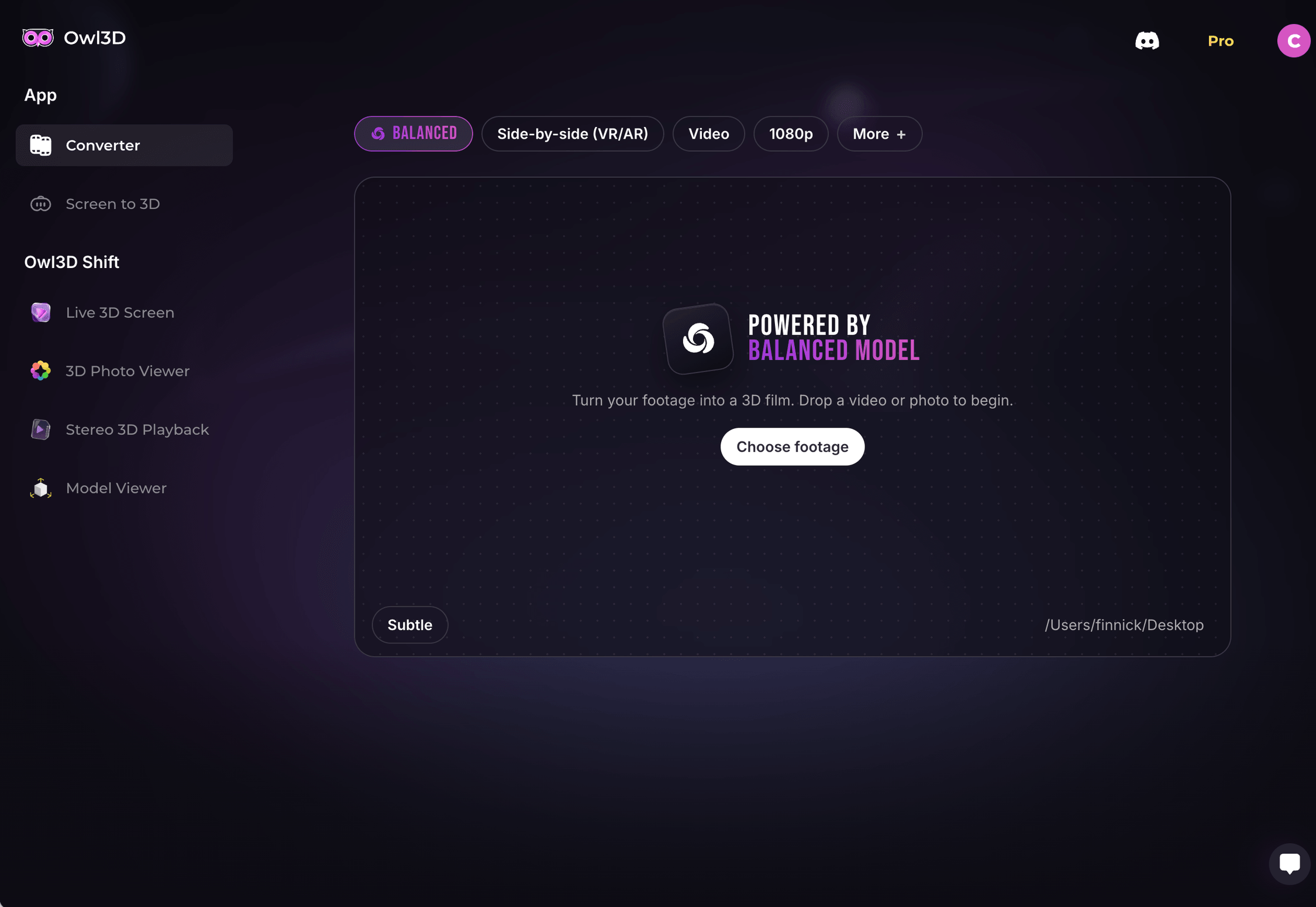
Convert your movies to 3D.
Owl3D adds realistic depth to your movies, home videos, shows, and anime. Just drag a file in, click Convert, and get a 3D version ready to play.
Convert videos that were never released in 3D.
Add a new dimension to your video library. Watch every video in 3D, with the detail, sharpness, and visual quality of the original.
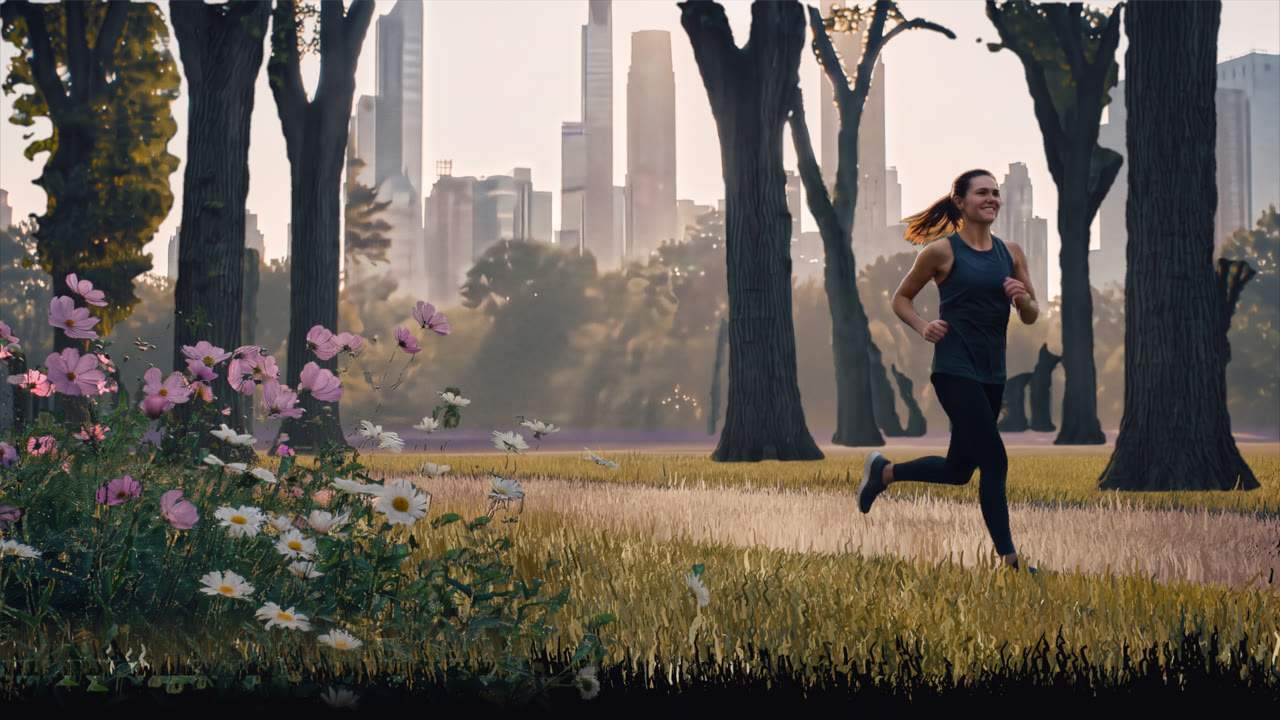
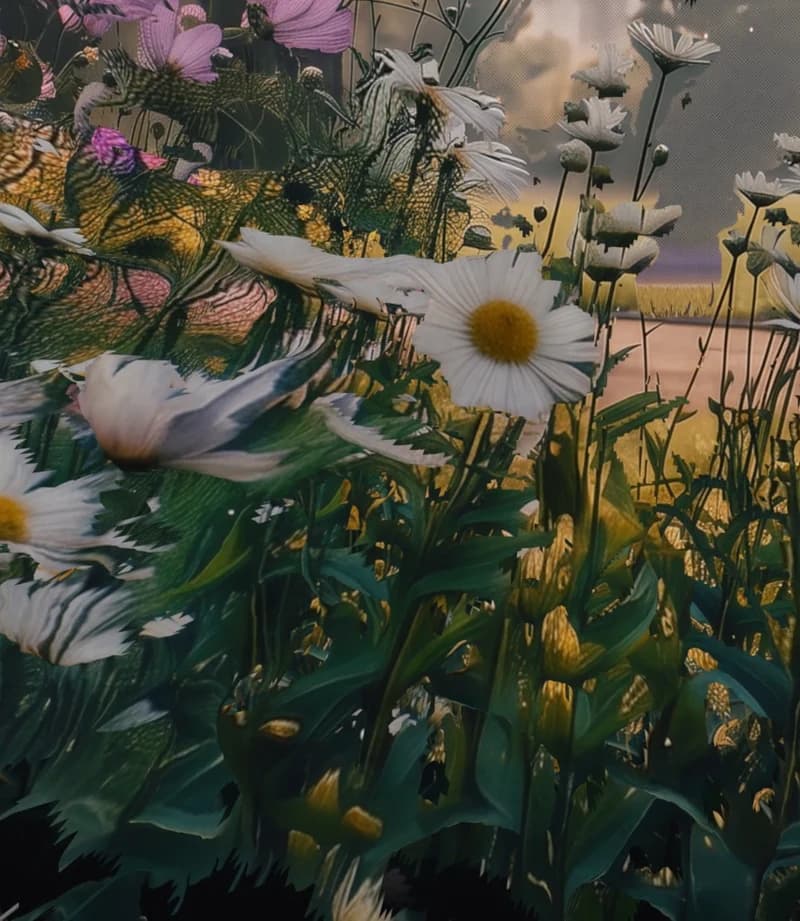
- Real depth. Down to the details. Owl3D maps the distance of every pixel in every frame, so hair, railings, and leaves each get their own depth instead of flattening into the background.
Convert in 3 steps.
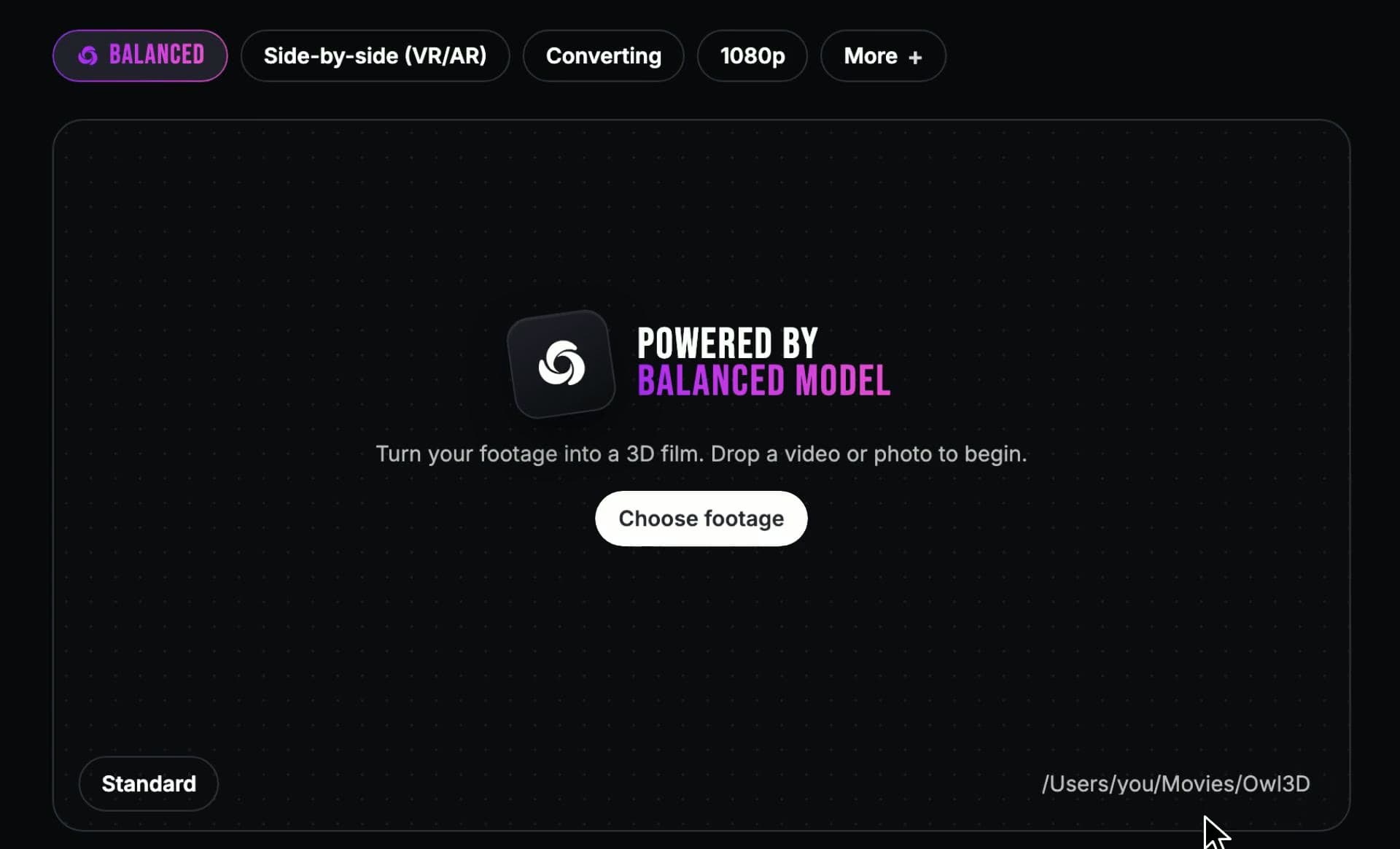
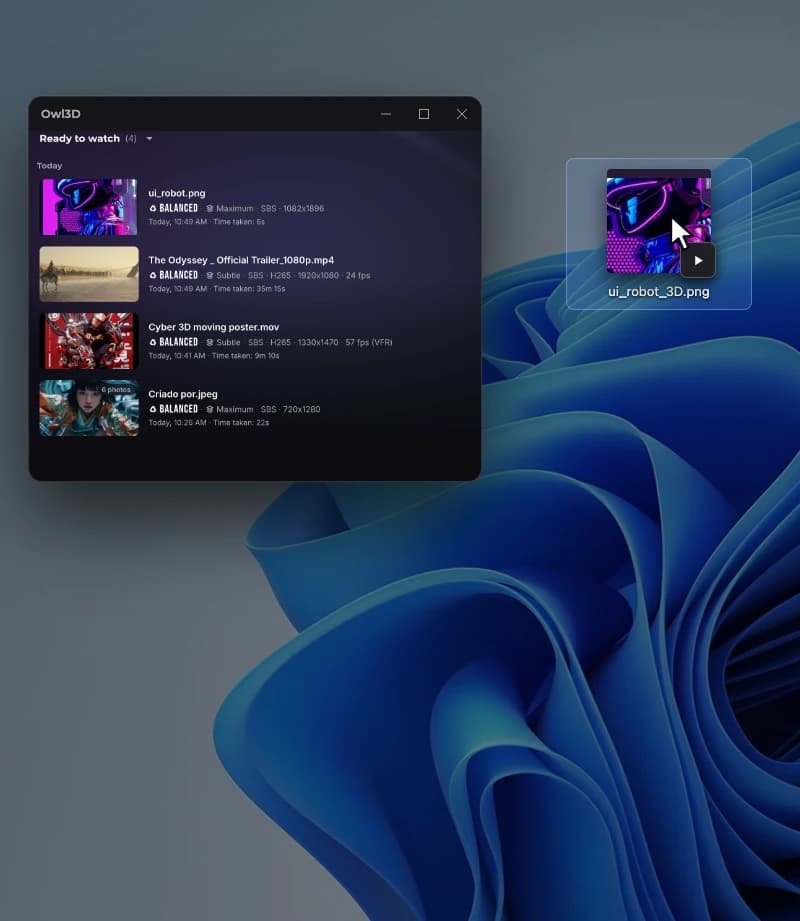
Open Owl3D and drag in a movie or a whole folder.
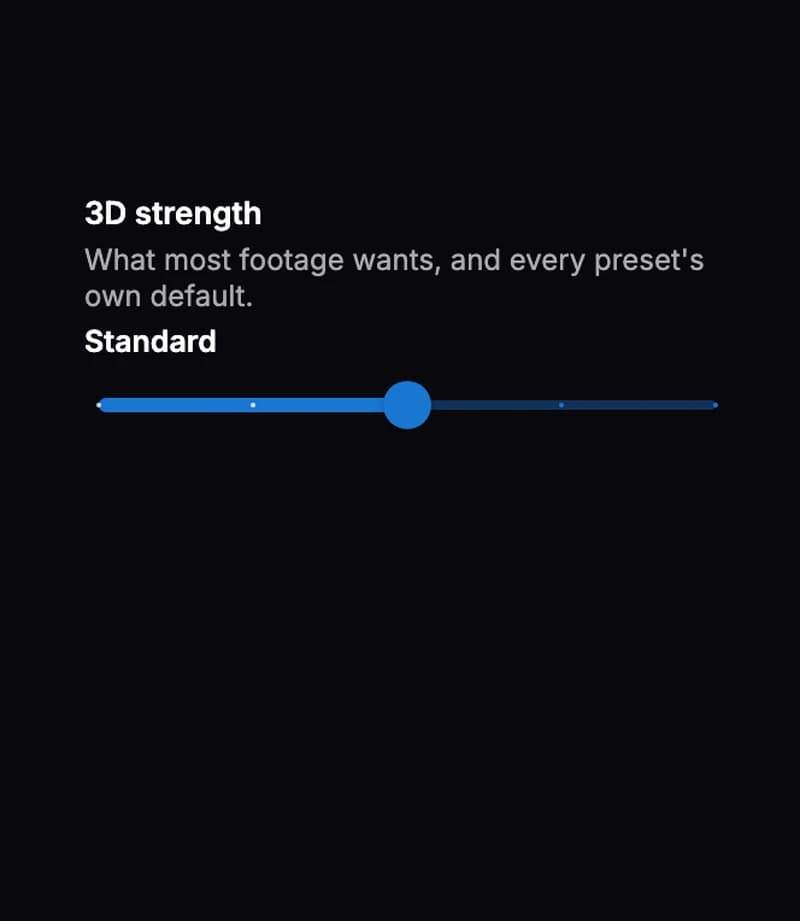
Set the 3D strength, the format for your device, and the resolution. Owl3D decides the rest.
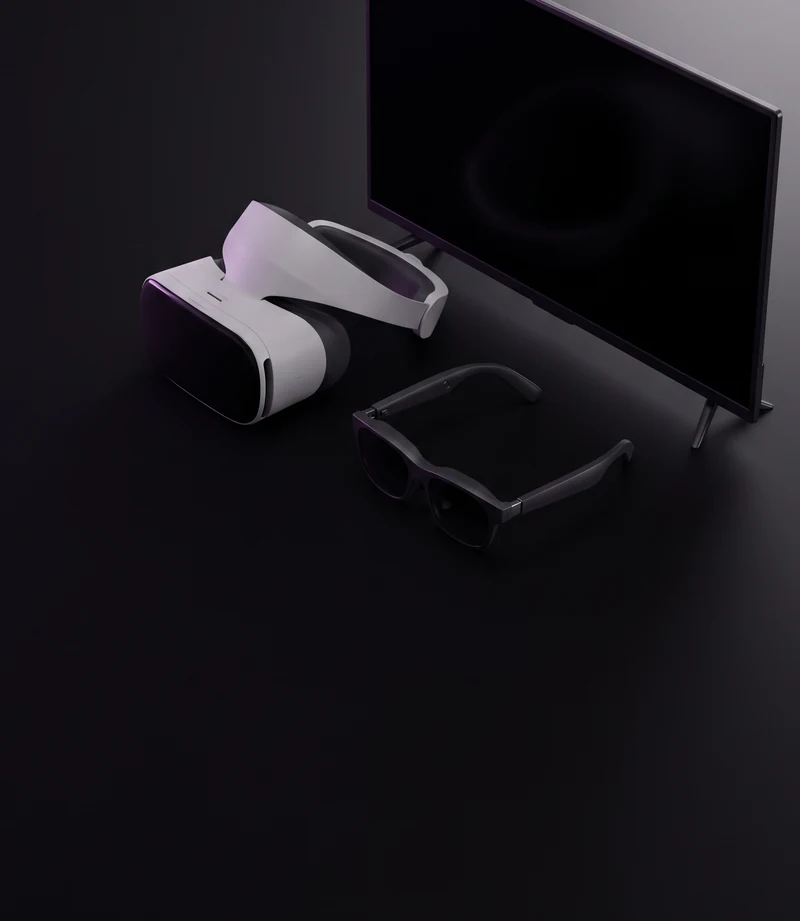
- SBS for Meta Quest and most headsets, XREAL, and Viture
- MV-HEVC for Apple Vision Pro (Mac)
- Half-SBS for 3D TVs and projectors
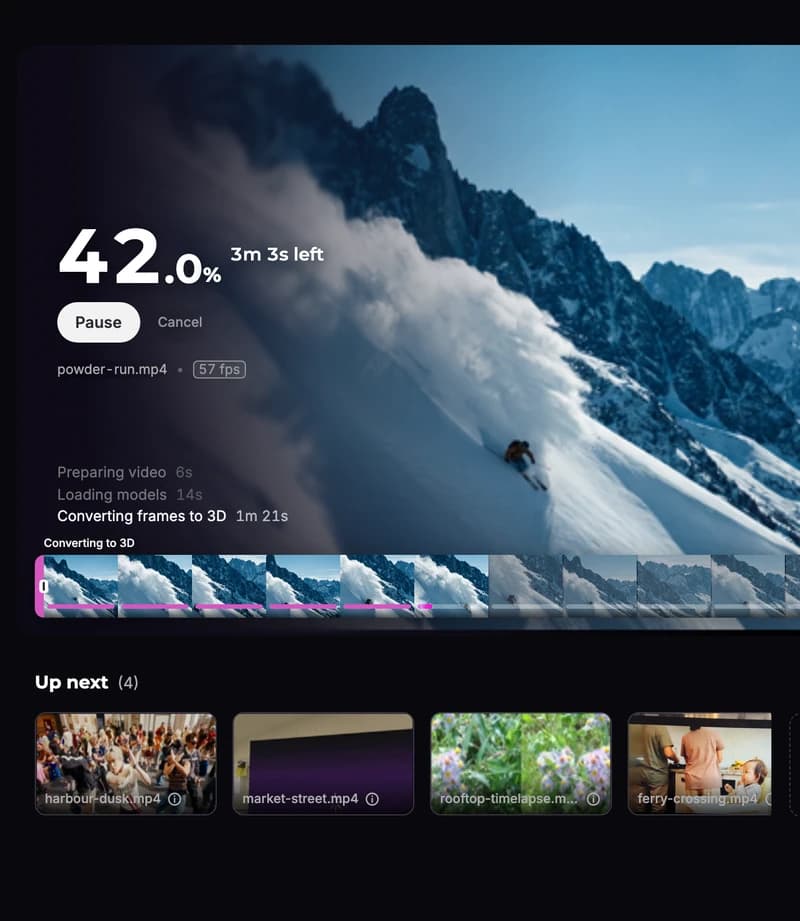
You get a time estimate right away, and it runs in the background. When it's done, the 3D file is ready to play.
150,000+ movies converted to 3D.
Here is what people say about Owl3D.
- 300,000+hours of video
- 100+countries
I tried many 2D to 3D converters, with the aim of watching my old movie library on my PIMAX VR, none of them worked satisfactorily, so I installed OWl3D but... I didn't expect much, because I had already lost hope of finding a converter that really worked. But... to my surprise, it worked wonders. This program is simply spectacular and worth every penny... Congratulations to the developer... The program is excellent... The only one capable of converting 2D movies to 3D for real. Thank you.
Owl3D software is easy to use and powerfull 2D to 3D automatic conversion, thanks for making this.
I got the xreal 1s and it's awesome with Owl3d!
I'm happy paying my €10 monthly for the continued ability to manually convert 2D films to 3D to save for posterity.
Thank you guys for continuing the 3D revolution, I was legit afraid it was over when Nintendo stopped supporting the 3DS, and the 3D movie craze seems but a distant memory :P
Well done on an interesting software!
Frequently asked questions.
What is Owl3D?
Owl3D is an AI 2D-to-3D video converter for Windows and Mac.
Drop in a movie, a show, or a home video, and it produces a stereoscopic 3D version you can play on a VR headset, AR glasses, a 3D TV, or a glasses-free 3D display.
Will it run on my computer?
Owl3D runs on Windows 10 or 11 and on Apple Silicon Macs (M1 or later) with macOS 14 or later.
StereoGen V2, our flagship model, needs Windows, an NVIDIA RTX 30-series or newer graphics card with 12 GB of VRAM, and the Plus plan or above. On PCs with AMD, Intel, or older NVIDIA graphics cards, and on Macs, Owl3D converts with our standard model.
How long does a movie take?
Conversion time depends on your graphics card, the output resolution, and the length of the video.
Owl3D shows an estimate before it starts, and the conversion runs in the background while you keep using your computer.
What video files can I convert?
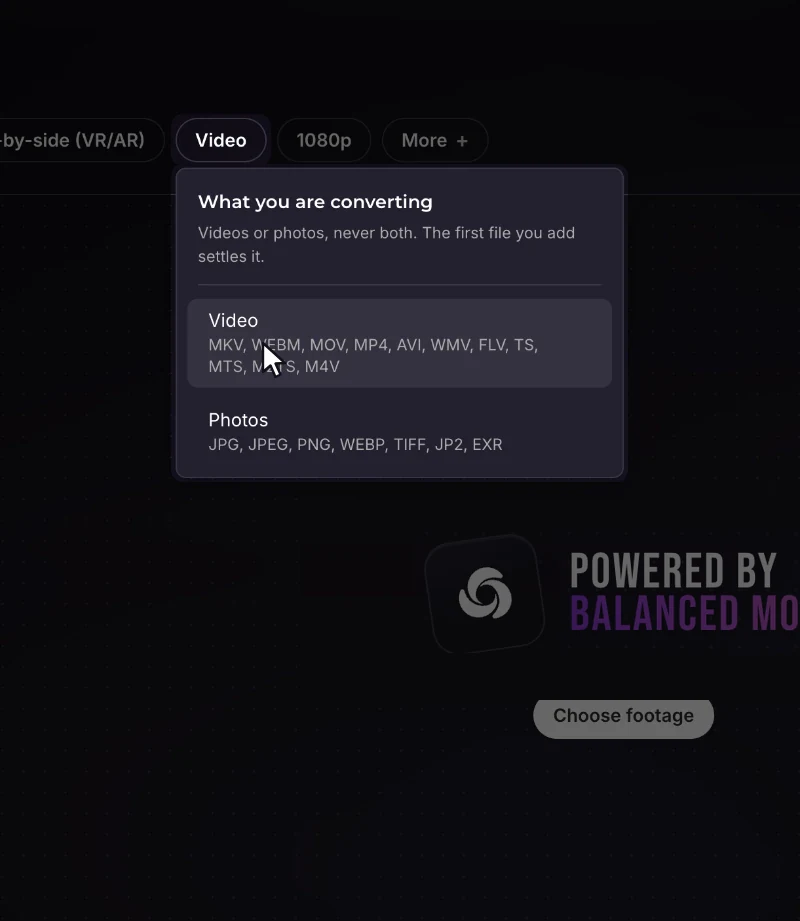
Owl3D converts common video files such as MP4 and MKV, at their source resolution.
Resolution depends on your plan: up to 8K on Pro, 4K on Plus, and 1080p on the free version. Add one file, or drag in a whole folder to convert a batch.
Will it play on my Quest, Vision Pro, or 3D TV?
Yes.
Owl3D exports side-by-side (SBS), half-SBS, and top-bottom on Windows and Mac, plus MV-HEVC on Mac (macOS 14 or later). Meta Quest, XREAL, and Viture take SBS. Apple Vision Pro takes MV-HEVC. Half-SBS is for 3D TVs and projectors, and top-bottom is used by some 360 and VR players. Open the file in any 3D-capable video player.
Can I adjust how strong the 3D is?
Yes.
You set the 3D strength before converting, and Owl3D takes care of the remaining technical settings. Depth stays consistent from frame to frame as the camera and subjects move, even at stronger settings, so a whole movie stays comfortable to watch.
How does Owl3D turn 2D video into 3D?
Owl3D works out how far away everything in each frame is and keeps that depth consistent from frame to frame, so it stays steady as the camera and subjects move.
It then builds the view for the second eye. With StereoGen V2, Owl3D's flagship model, that view is generated rather than stretched: it fills in what the camera never saw behind each object, using the surrounding frames as context, which keeps edges clean with no halo around people and objects.
Does it convert online, or on my computer?
You can do either.
Convert Online works in your browser at app.owl3d.com: you upload a video from your computer or phone, our servers convert it, and you download the 3D file. It needs no install and no graphics card. The desktop app runs on Windows 10 or 11 and on Apple Silicon Macs. It converts on your own computer's graphics card, your video is not uploaded, and the finished 3D file lands in the folder you choose.
Is it free?
Owl3D is free to download.
The free version converts the first minute of each file, so you can check the result on your own device before you pay. Paid plans are on the pricing page.
Can I use it for client or commercial work?
Yes, with the Pro plan.
The other plans are for personal, non-commercial use.

See it on your own device.
Free to download. Try it on the first minute of any video.