Owl3D Shift

A Live 3D Monitor for Everything You Watch & Play.

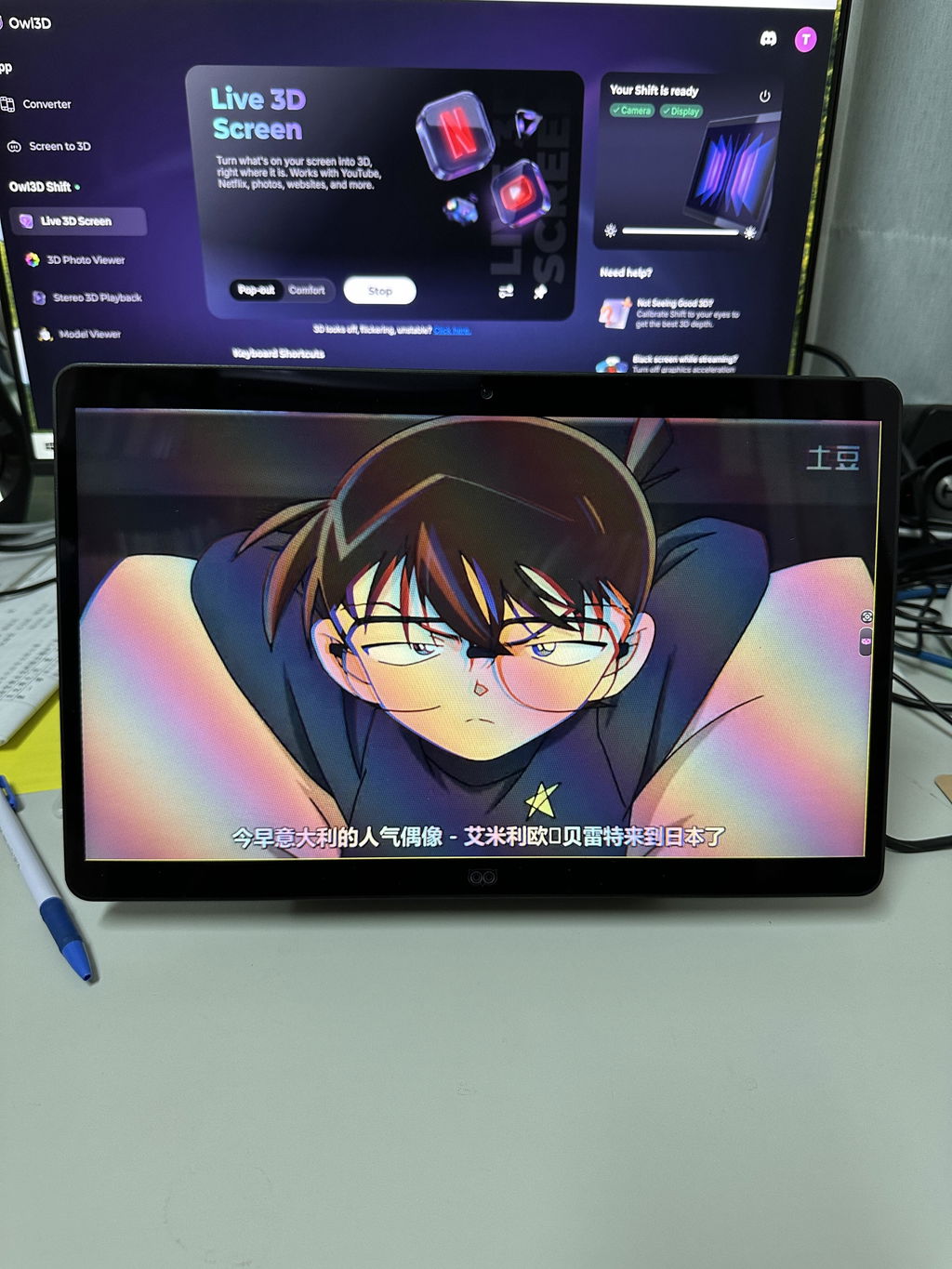
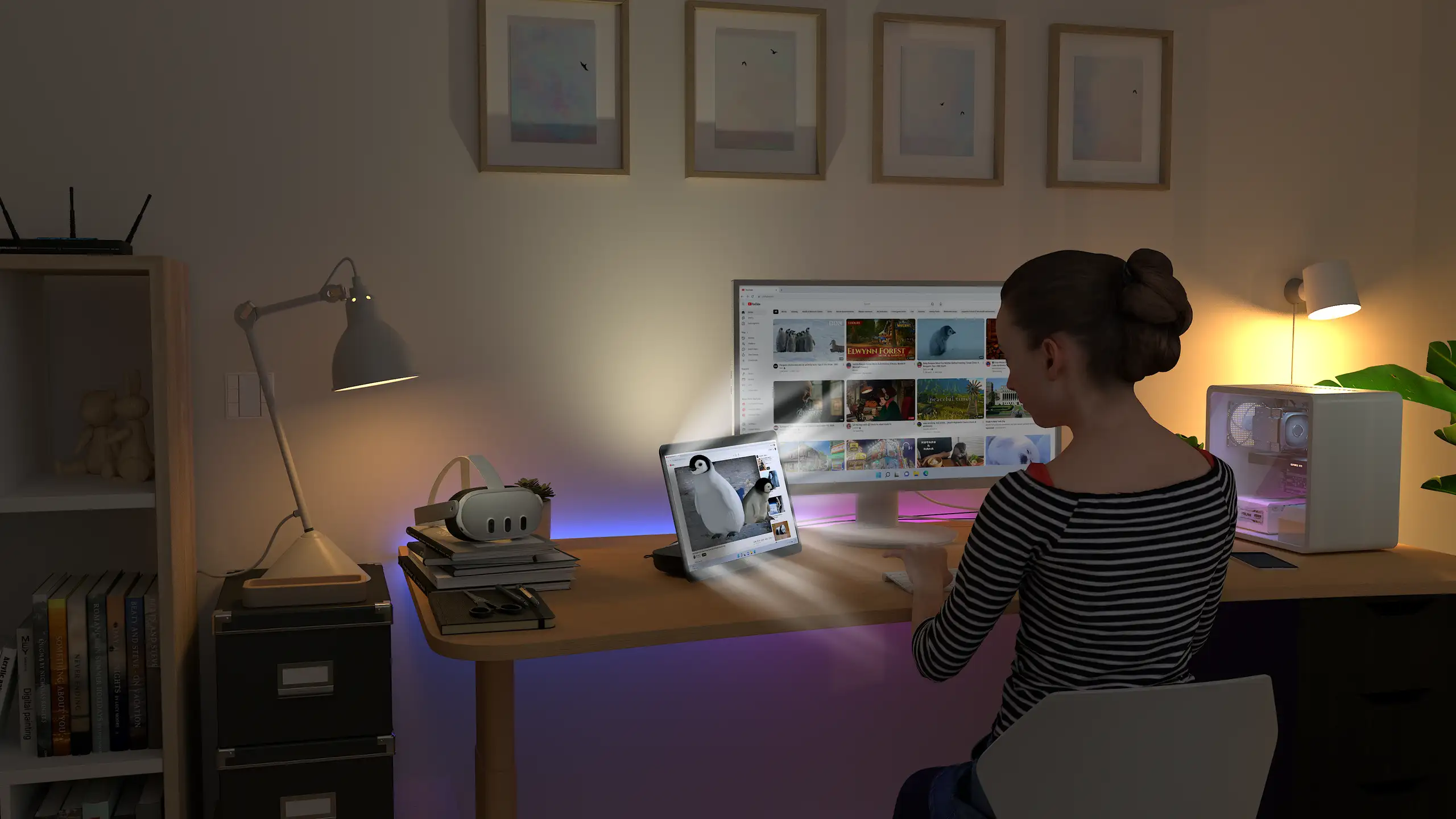
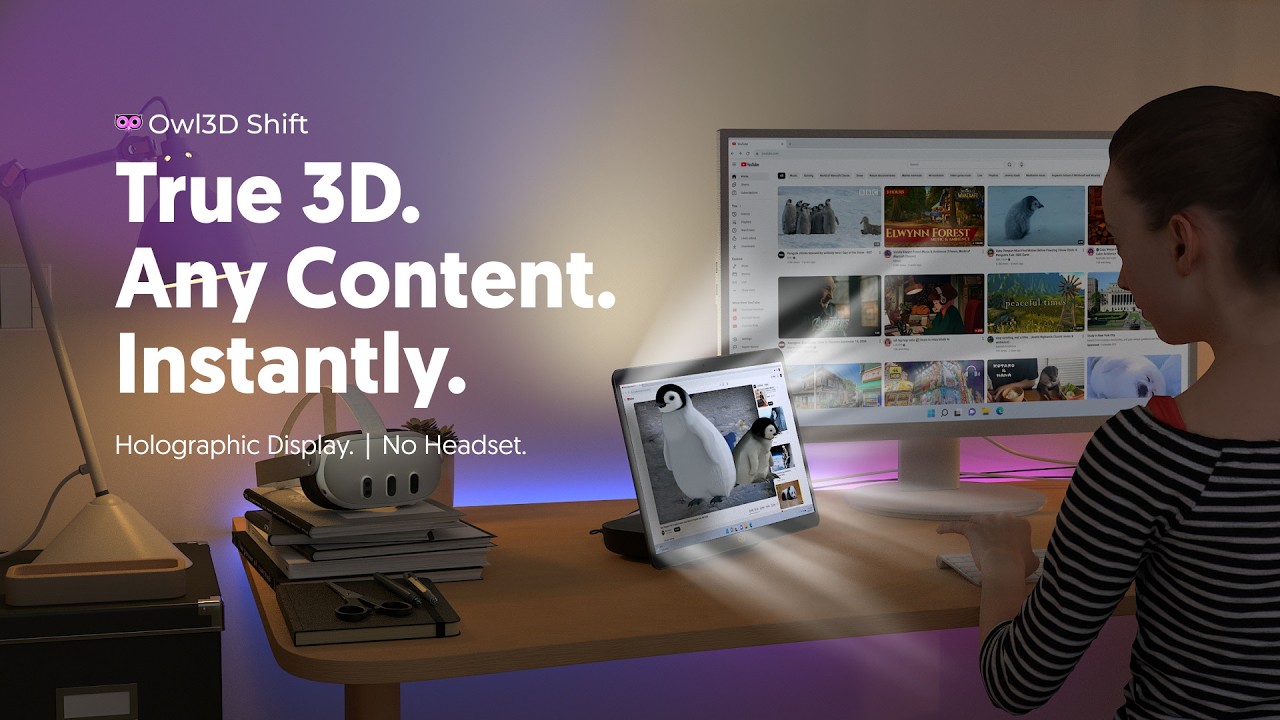
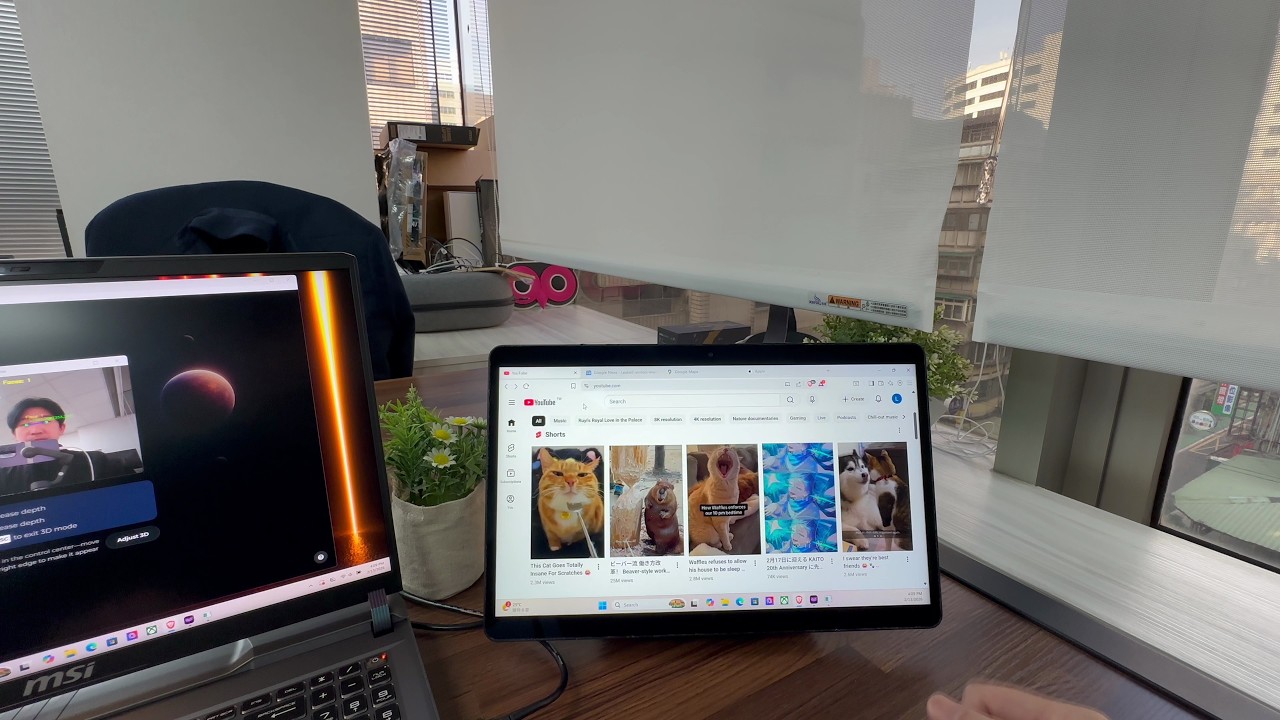
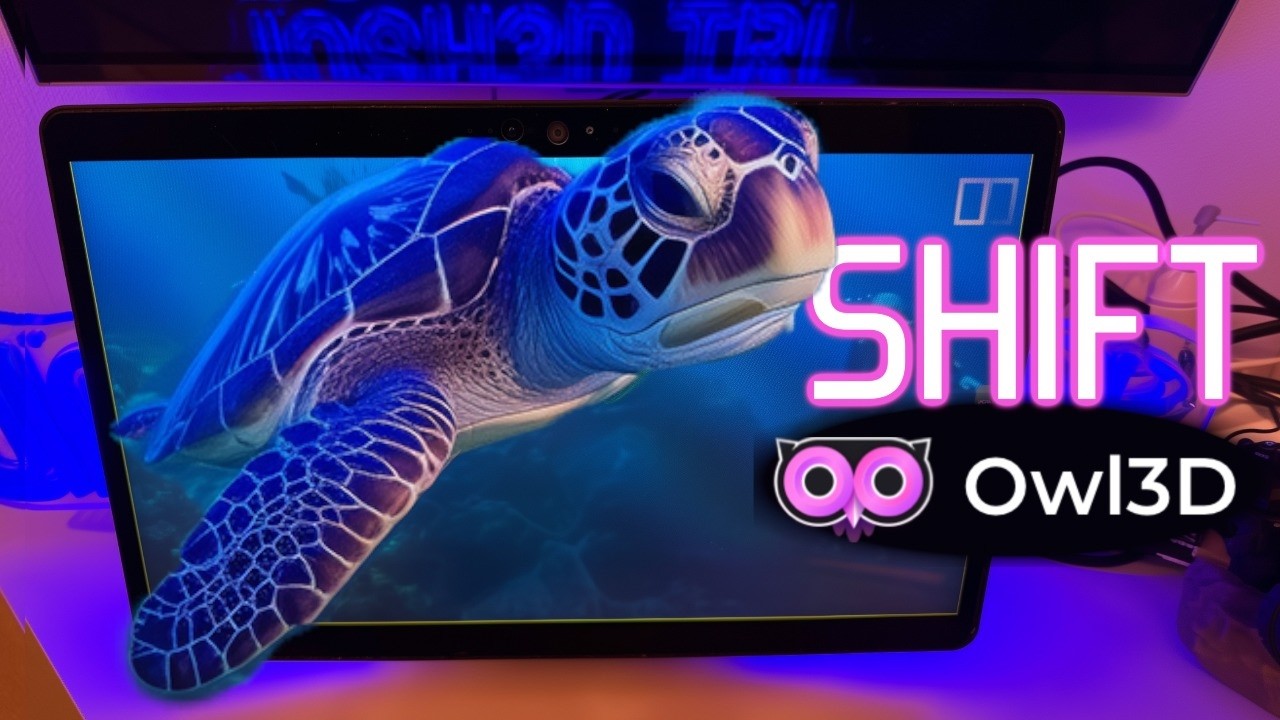
Owl3D Shift instantly turns anything on its screen into glasses-free 3D: movies, YouTube, games, photos, any app window. Set it beside your laptop or PC as a second monitor and drag a window onto it.
No headset, no glasses.

Buy now

Requires NVIDIA RTX 30 Series or above, or Apple Silicon: M1 Pro, or any M2, M3 or M4 chip and newer.

Requires NVIDIA RTX 30 Series or above, or Apple Silicon: M1 Pro, or any M2, M3 or M4 chip and newer.

0+Owl3D users
$0Funded on Kickstarter

A Window into 3D,Right Beside Your Screen.

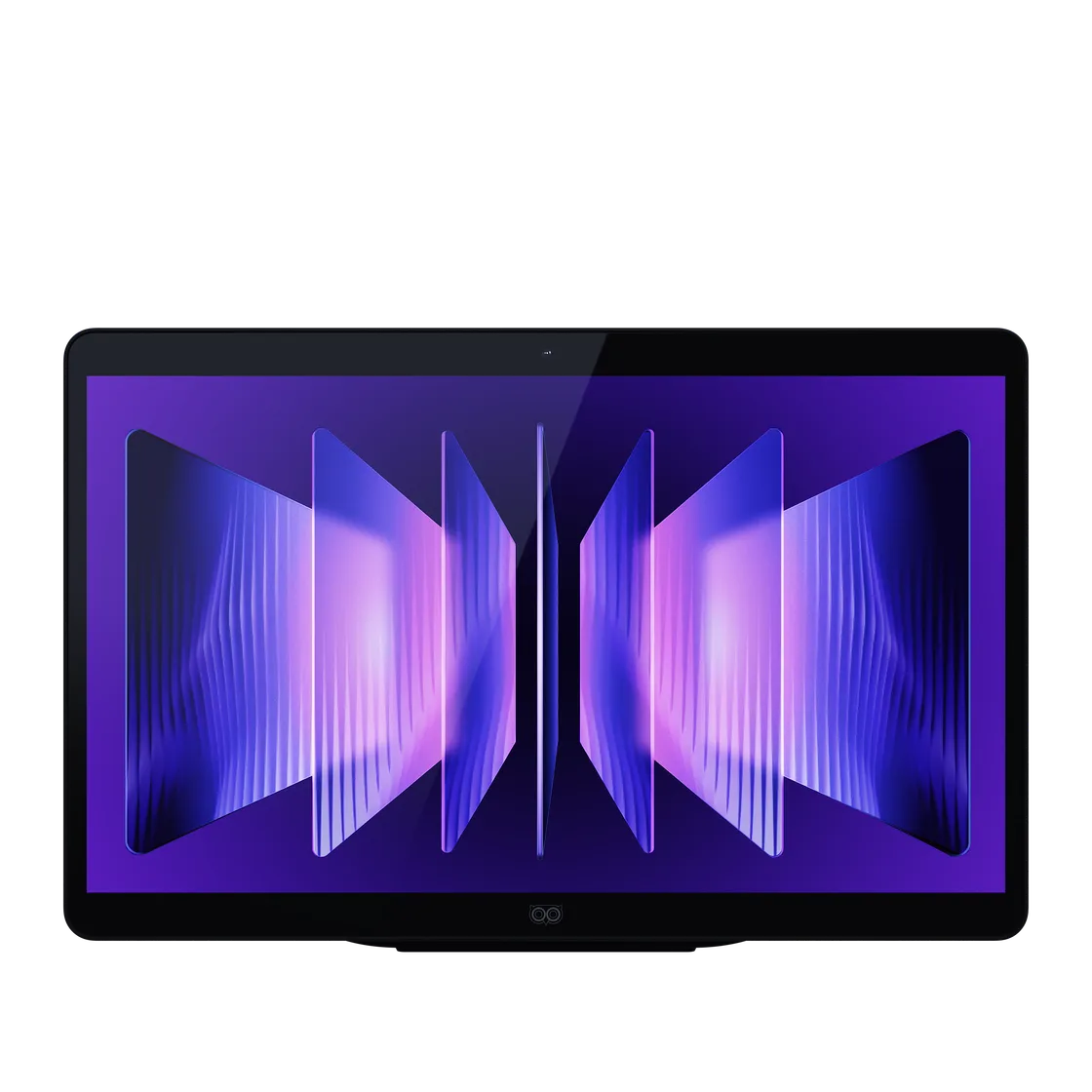
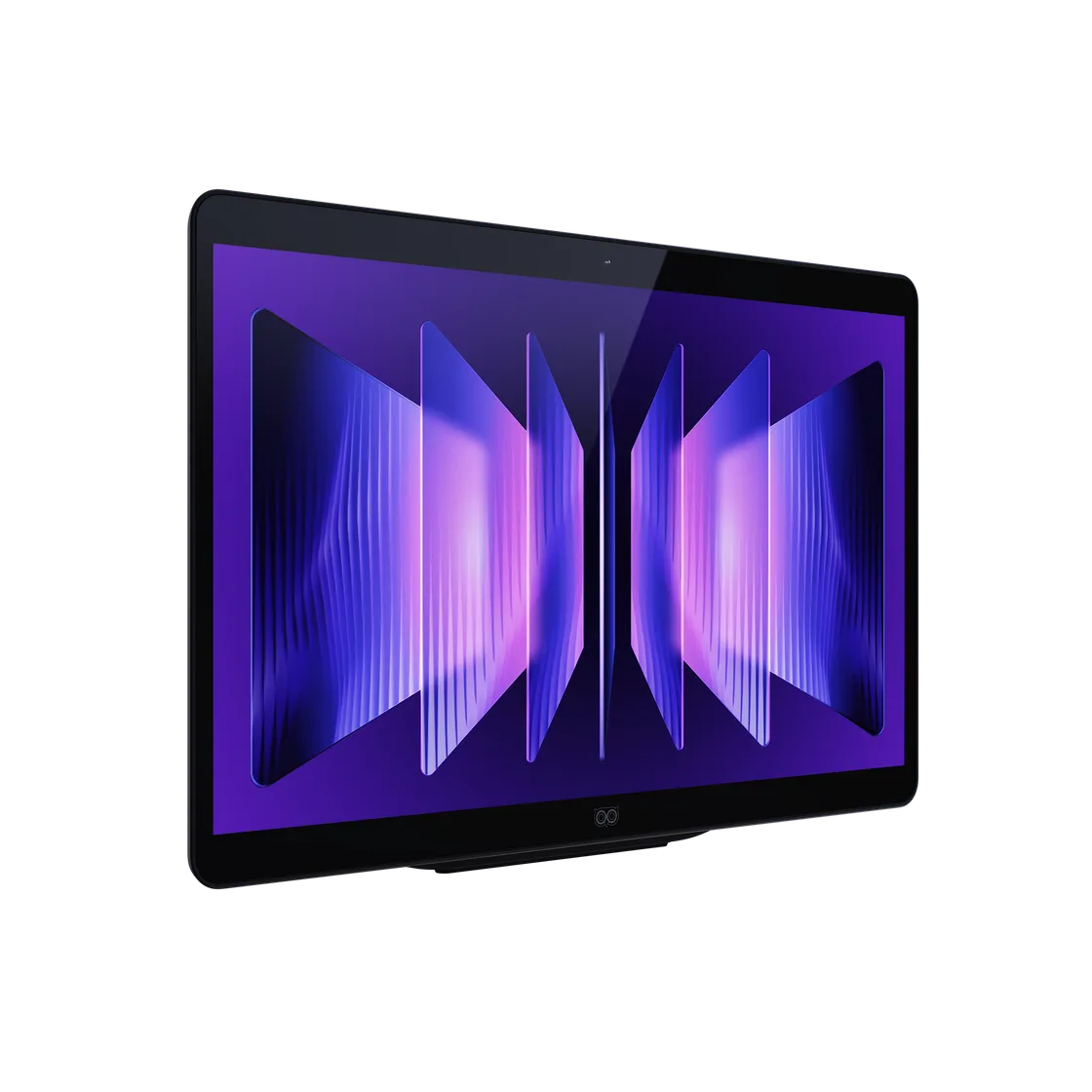
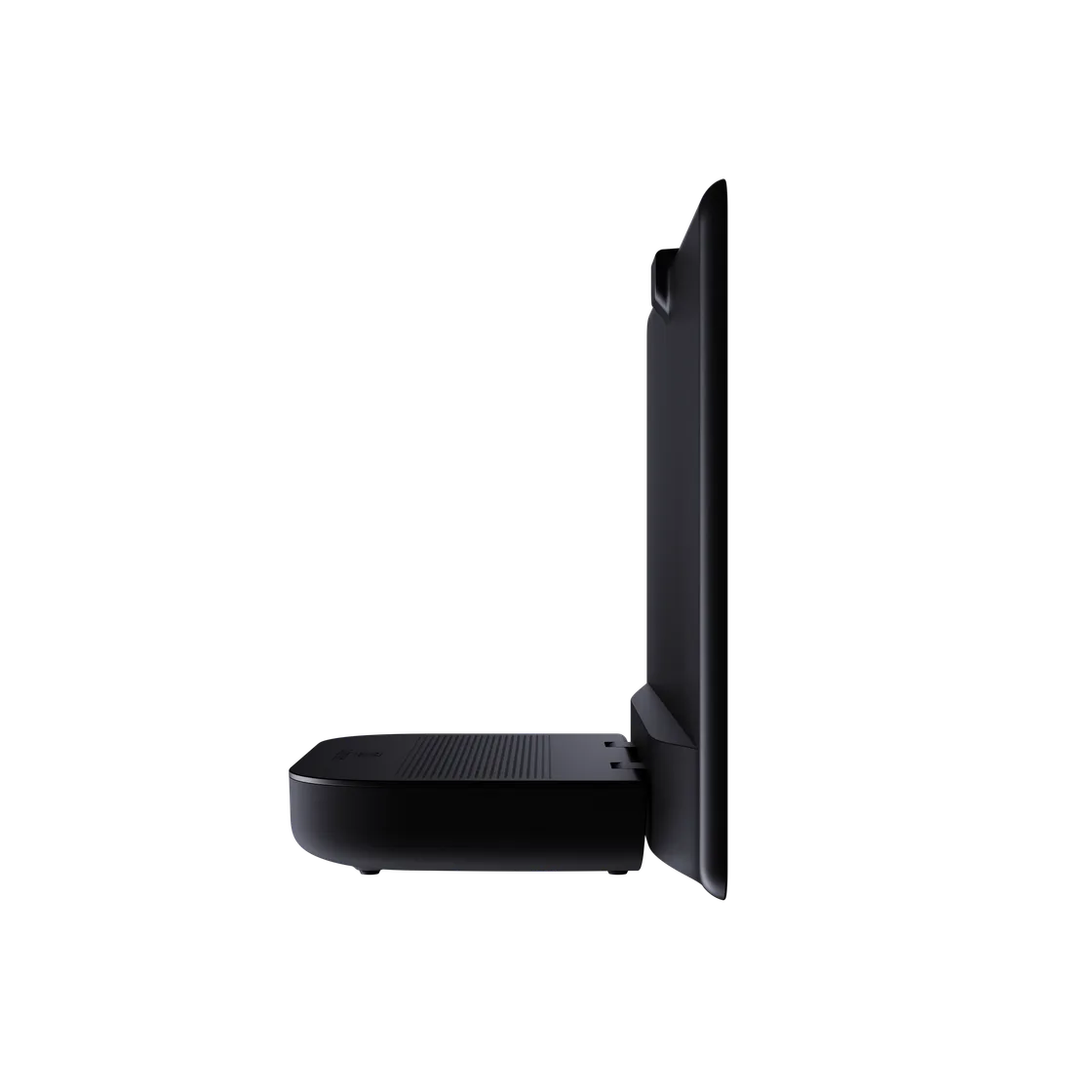
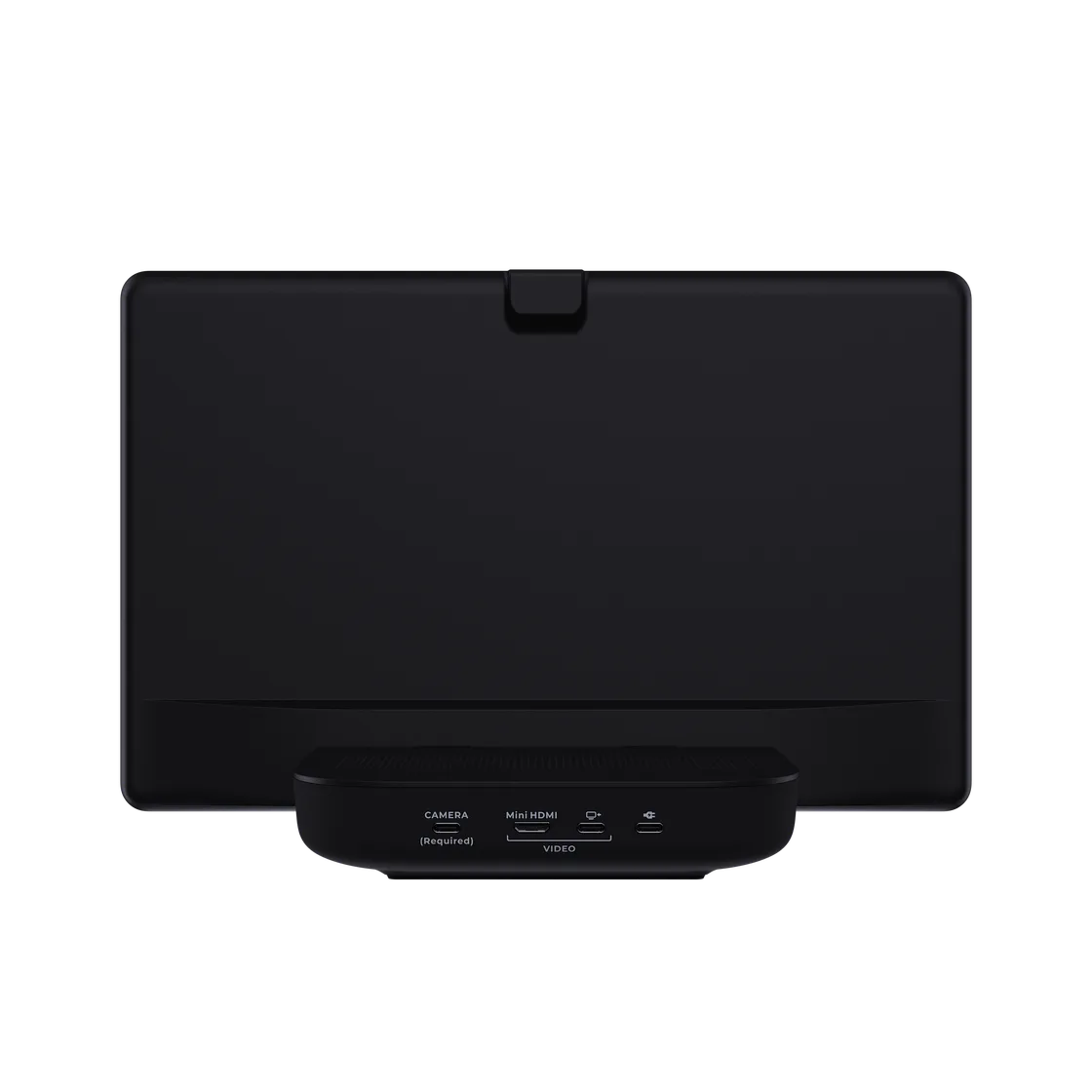
The 14-inch Owl3D Shift is a glasses-free 3D companion monitor. Set it beside your laptop or desktop screen, keep the rest of your setup as it is, and you have a window into 3D for the movies, games and photos you already have. No headset. No glasses. See your keyboard, sip your coffee, and stay immersed for hours without headset fatigue.

Drag, Drop, Depth.The Shift Is That Simple

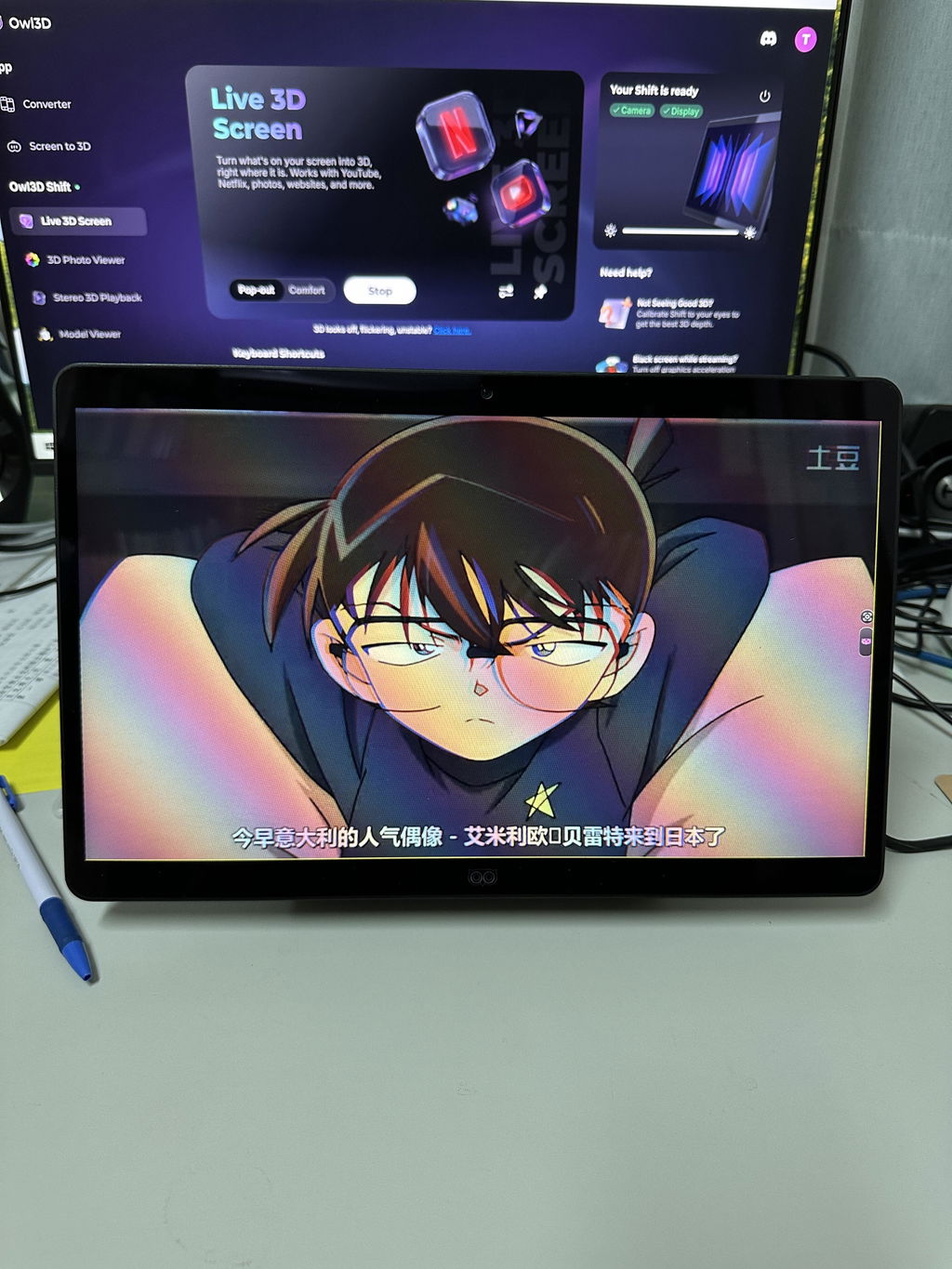
Open YouTube or pull up your photos. Simply drag any window onto Owl3D Shift. It instantly adds depth to the apps, streams, and games you use every day.

Shift in Action.

No post-production. No digital effects. Watch experience demo and reviews below.

Video thumbnail
Video thumbnail
Video thumbnail

Every Video,Now in 3D.

Every video plays in 3D on the Shift. The Owl3D app converts 2D to 3D in real time, and plays the 3D files you already own.

Either way, it's instant: drag the video window onto the Shift and watch. A YouTube or Netflix* stream, a local file — no pre-processing, no waiting.

Already have 3D files? They play in your usual media player: Half-SBS, Top-Bottom and Full-SBS as they are. *Netflix requires turning off your browser's hardware acceleration.

From Imageto Hologram.

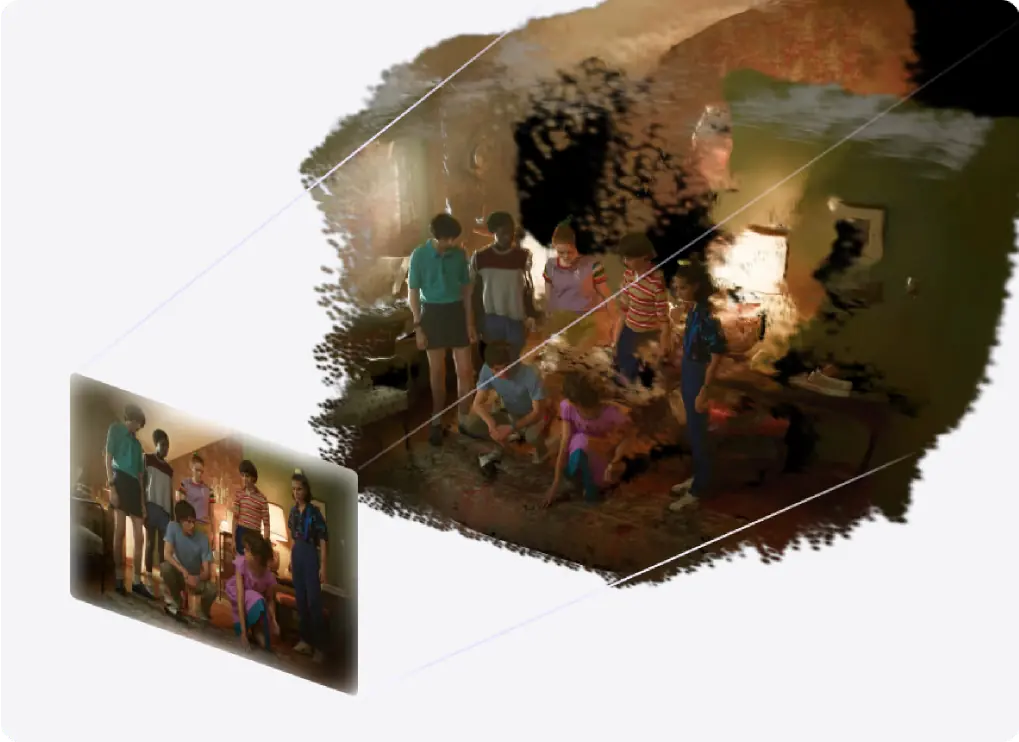
The Shift's 3D Photo Viewer turns any image into a hologram — your photos, anime art, movie posters, real-estate interiors, travel scenes. Every image is rendered as a true volumetric scene.

As you move your head, the perspective shifts naturally — look around subjects and lean in to inspect details. A flat image becomes a scene you can truly explore.

With 66 PPD and 315 PPI, the image looks solid and continuous. All processed locally on your GPU for total privacy.

Your 3D Models,Made Real.

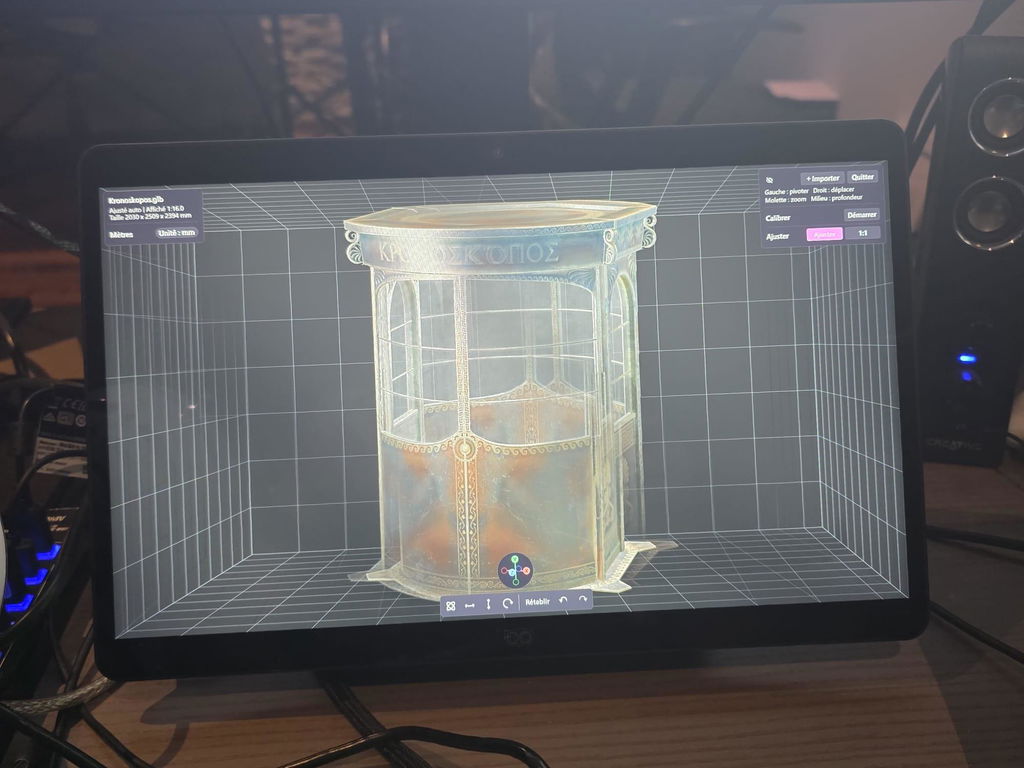
The Shift's Model Viewer shows your model with realistic volume, accurate proportions, and natural depth. You are looking at the object itself, not a flat render of it.

Rotate, inspect, and present 3D assets with a stronger sense of scale and presence, whether you are reviewing product designs, artwork, or spatial concepts.

Supports glTF and 3MF, with PBR materials and animation playback.

Play the 3D Files You Already Own.

Already own 3D movies, photos or videos? Open them in the media player you already use, turn on Stereo 3D Playback in the Owl3D app, and Shift shows them in glasses-free 3D. Half-SBS, Top-Bottom and Full-SBS files play as they are.

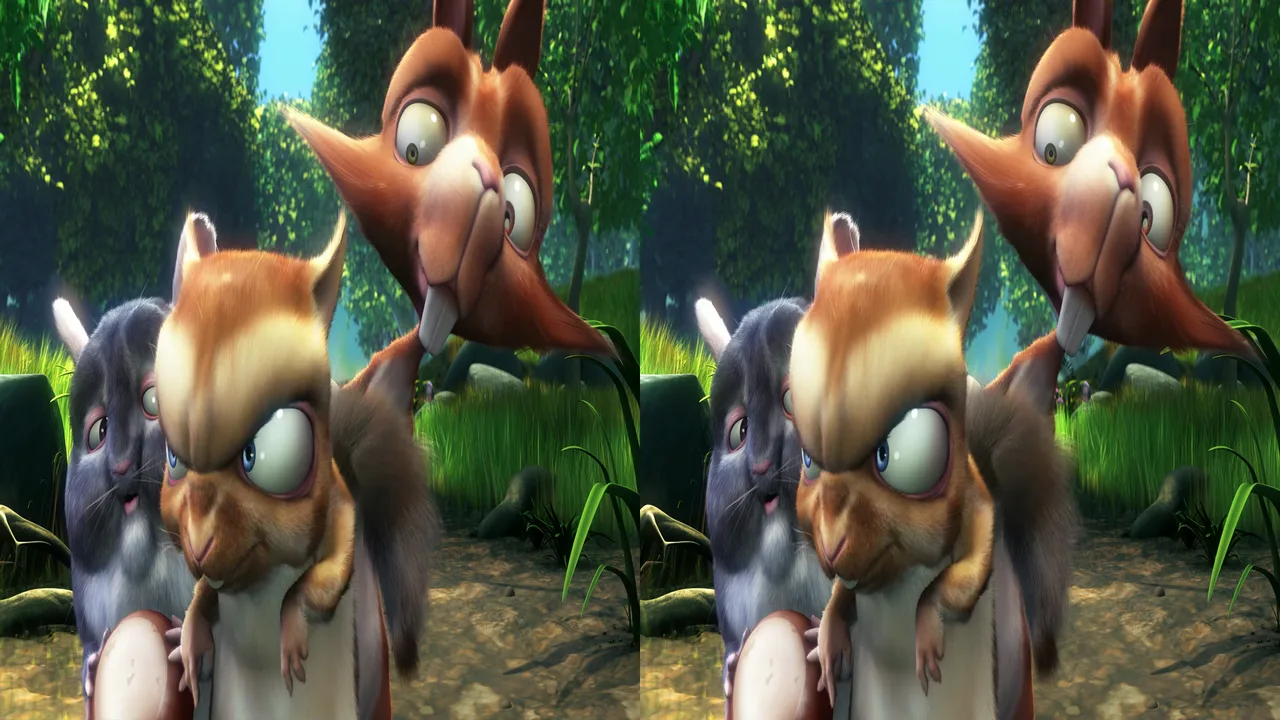
One frame of an animated film saved as Half-SBS: the left-eye and right-eye pictures side by side, each squeezed to half width.

3D Movies

Half-SBS, Full-SBS and Top-Bottom movie files play in VLC, PotPlayer or whichever player you already use. For Full-SBS, set the player's aspect ratio to 16:9.

Convert your own movies to 3D →

Half-SBS frame from Big Buck Bunny 3D, © Blender Foundation, CC BY 3.0
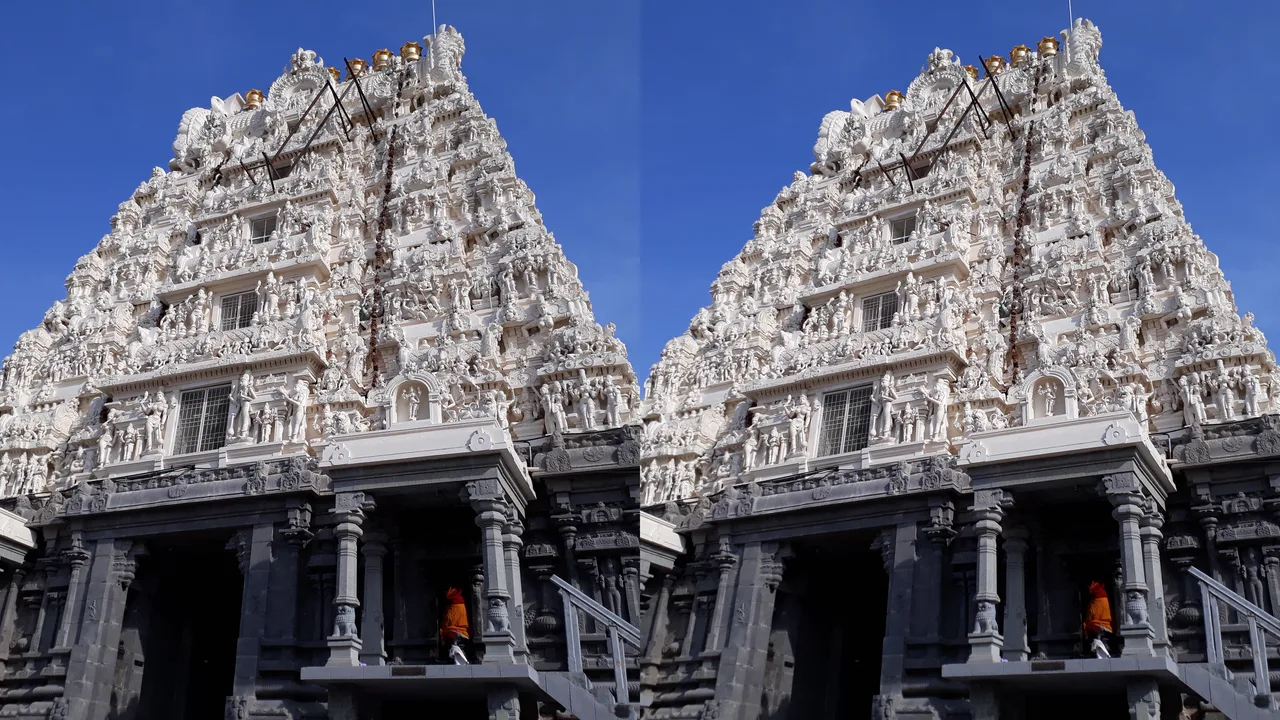
A stereo photo of a carved temple tower: the left-eye and right-eye pictures side by side.

3D Photos

Side-by-side pictures from a 3D camera show in 3D in the photo app you already use. MPO files from cameras such as the Fujifilm W3 turn into side-by-side in our free Stereo Photo Maker.

Convert an MPO file →

Side-by-side photo by VasuVR, CC BY-SA 4.0, via Wikimedia Commons

On Windows, files that are already in 3D need far less graphics power than Live 3D: an NVIDIA GTX 1650 or AMD Radeon RX 570 is enough.

Facebook
Pinterest
Twitch
Facebook
Pinterest
Twitch
Facebook
Pinterest
Twitch
Facebook
Pinterest
Twitch
Reddit
YouTube
Zoom
Reddit
YouTube
Zoom
Reddit
YouTube
Zoom
Reddit
YouTube
Zoom
BBC News
Google Chrome
LinkedIn
BBC News
Google Chrome
LinkedIn
BBC News
Google Chrome
LinkedIn
BBC News
Google Chrome
LinkedIn
Google Map
Facebook
Pinterest
Google Map
Facebook
Pinterest
Google Map
Facebook
Pinterest
Google Map
Facebook
Pinterest

More Than EntertainmentA New Dimension for Your Apps.

Owl3D Shift elevates your content, but it doesn't stop there. It's a versatile desktop companion that adds natural immersion to the moments that matter: family memories, video calls, and everyday discovery.

What Others Are Saying.

Stephen TuresVerified
Judge.me

Pretty revolutionary, great combo of hardware and software

Compelling software. Being able to 3d anything, be it videos or photos, is pretty amazing. The quality is decent, though offline conversion or pre-baked 3d content will ultimately look better, which this also supported. I also love the photo viewer. While some photos are okay, some really pop out with the software and prove excellent physicality to the photo.

AnonymousVerified
Judge.me

This feels like the iPhone moment for displays! A consumer-ready glasses-free 3D monitor

This feels like the iPhone moment for displays! A consumer-ready glasses-free 3D monitor, combined with a real-time AI model that can transform content into usable 3D experiences. The experience must be incredible! I really hope you’ll make a version for Apple Vision Pro.

Photo from Anonymous
DITHERNETVerified
Judge.me

Outstanding Glasses-Free 3D for Immersive Content Creation

I've been working in stereoscopy and immersive technologies for a long time, and this display is truly perfect for quickly developing and testing 3D models and effects without having to wear glasses or use any other accessories. The glasses-free autostereoscopic 3D is genuinely outstanding.

Photo from DITHERNET
GeoffVerified
Judge.me

Love my Owl3D Shift

In 3D stereo mode, the Shift displays my mkv converted 3D blu ray rips perfectly. The live 3D conversion is also excellent when strength, popout and sink in are adjusted to my personal taste.

AnonymousVerified
Judge.me

nice 3D effect

The effect is nice, but not perfect. It's affordable and compact, easy to take to different places. Good value and a good experience.

AnonymousVerified
Judge.me

This monitor is insane

This monitor is smaller than what I'm used to but this is probably one of the coolest gadgets I've seen. Now this is my 3rd monitor and ill put on whatever show I want.

RegeneratorVerified
Judge.me

Shift experience

In "live 3D screen" mode, I played Fallout 76, in 1920X1080 resplution at boarded windows, and 125% resizing, and its like full screen on shift. The game looks awesome, but the gameplay a little slower

Photo from Regenerator
P.J.Verified
Judge.me

Awesome little 3D monitor

I love the Shift, it's probably my favorite hardware purchase this year. Live 3D looks great even on old low-resolution photographs and exceptional on high-resolution ones (not to forget games and videos of course), HSBS snd FSBS (and top-to-bottom) content looks fantastic and the 3D photo and Model viewer are fun additional bonuses.

MattVerified
Judge.me

Does exactly what it says on the tin

Does exactly what it says on the tin, giving a strong 3D effect on a 2D screen, without the need to wear any googles. The software is being updated regularly and quickly in response to user feedback, it's a great product!

George SpanosVerified
Judge.me

Prelude to a game changer?

Now I see it more as a complement to my TV because I can preview my converted files on my Mac before viewing them on my TV. This allows me to make any necessary improvements. I’ve also noticed that my conversions play better on my Mac than on my TV, where ghosting and dropouts are sometimes an issue.

EdithVerified
Judge.me

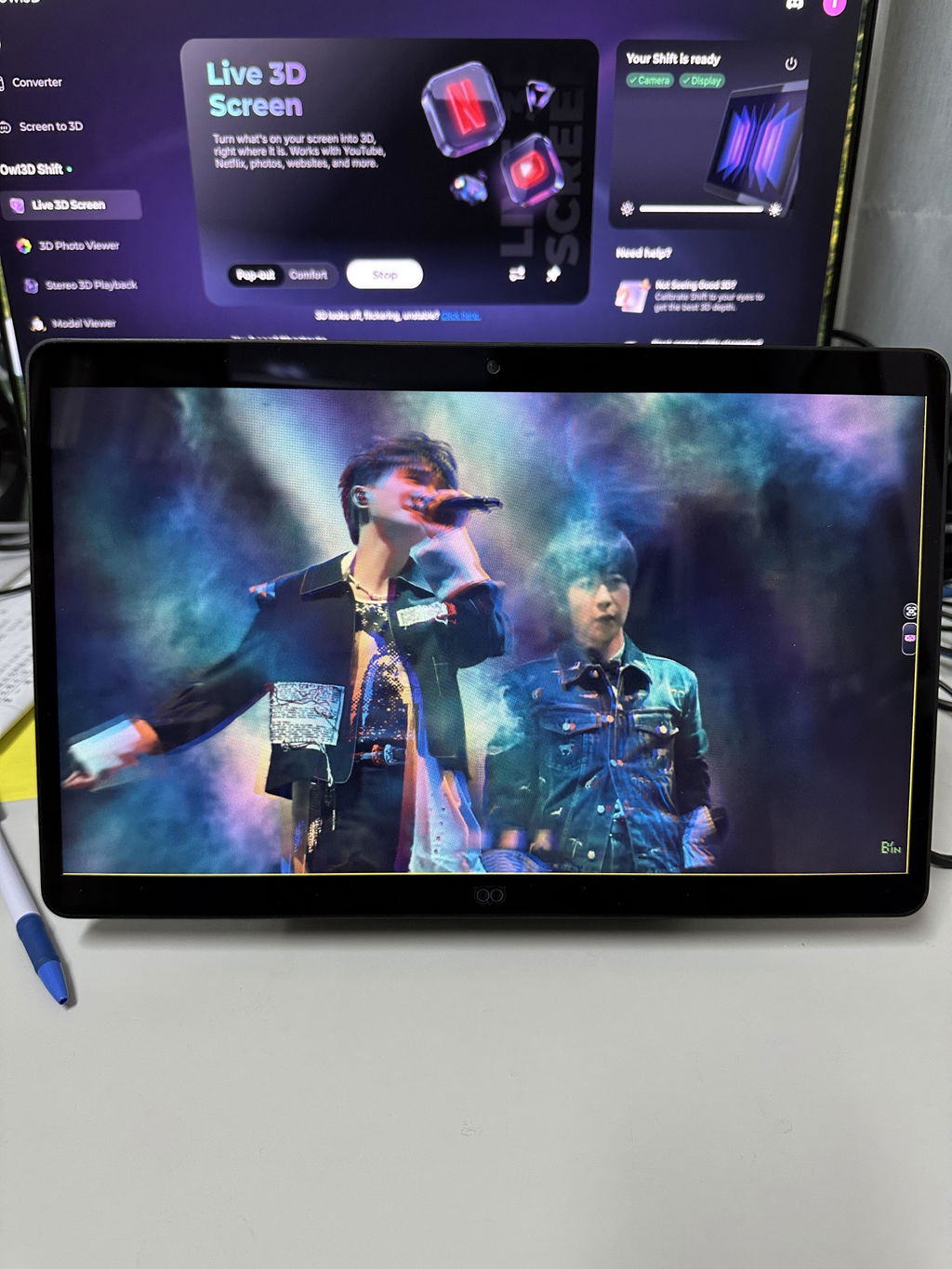
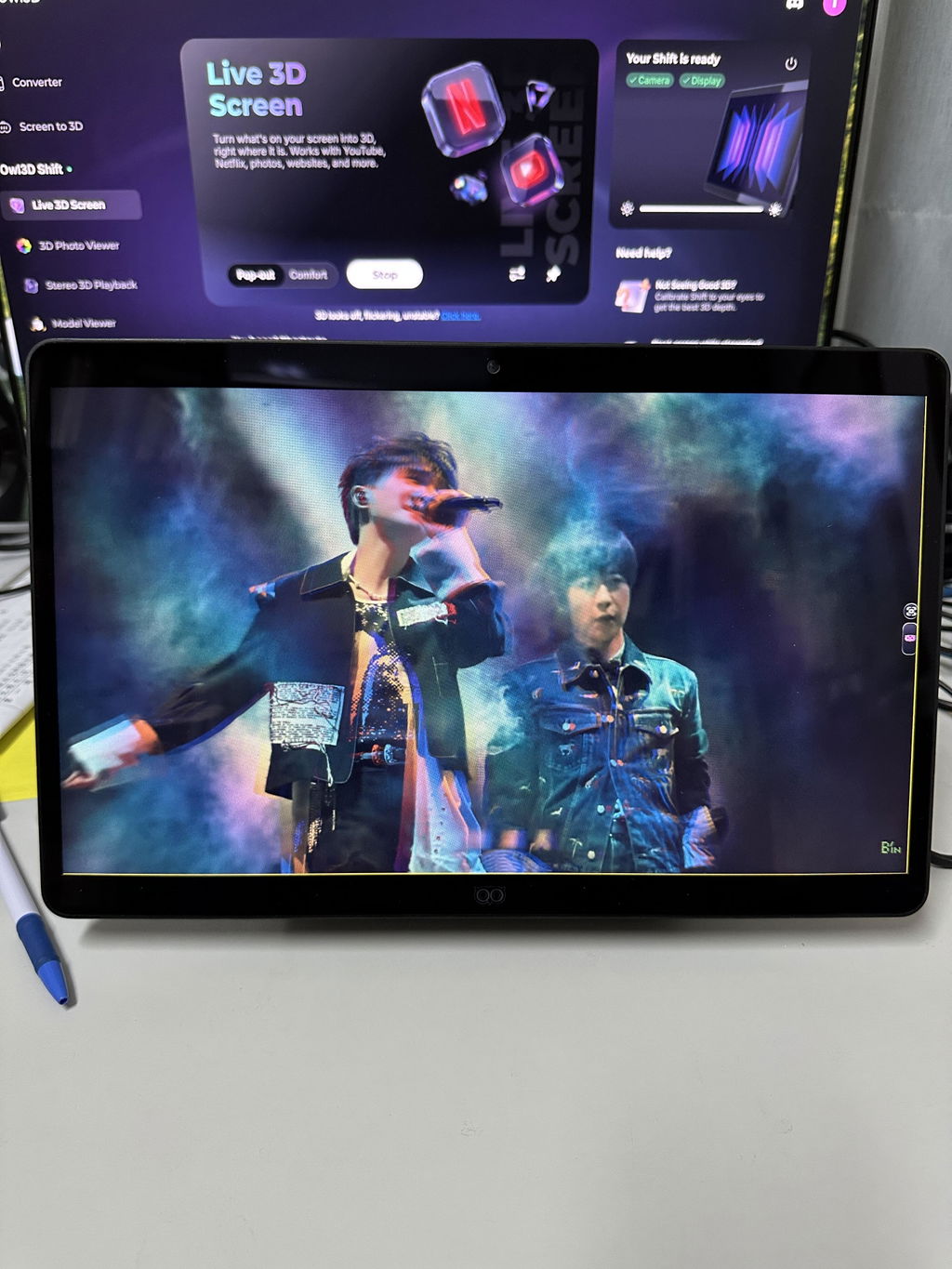
Owl3D brings my movies and concerts to live!

Owl3D brings my movies and concerts to live!

Watching concert videos on the shift makes me feel like I'm actually there! 👍👍❤️❤️🤩🤩

Photo from EdithPhoto from EdithPhoto from EdithPhoto from Edith
Peter WollschlaegerVerified
Judge.me

Games on shift

After testing many different games over an extended period, I have found that Skyrim remains by far the most impressive title on the Shift. The sense of depth, the landscapes, and the overall immersion work exceptionally well and really showcase what the display is capable of.

How Live 3D Works: AI and Optics,Built as One.

Instant immersion without a headset feels like magic, but it's pure engineering. We combined our proven AI software with precision optics to deliver a seamless, high-fidelity 3D experience.

How Owl3D AI turns 2D into 3D in real time

The Brain: Owl3D AI

Trusted by over 50,000 users, Owl3D is the intelligence behind the immersion. Running locally on your PC for real-time performance, our AI models analyze your screen instantly — understanding depth cues just like the human brain to turn flat media into volumetric content.

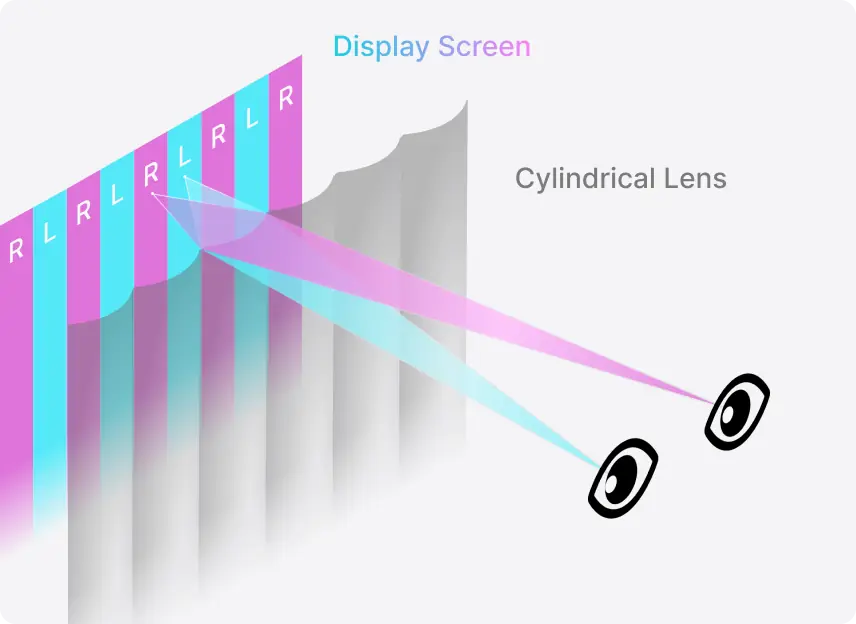
How the Shift's lenses and eye tracking send a separate image to each eye

The Display: Autostereoscopy

We engineered a layer of cylindrical lenses directly into a 4K panel. Combined with eye-tracking, Owl3D Shift's display directs light from the left- and right-eye perspectives to your eyes' precise position. The result is a solid, hologram-like image that remains sharp and natural, even as you move your head.

Retina-class comparison

2.5x Sharper Than the Quest 3.Experience Retina-Class 3D.

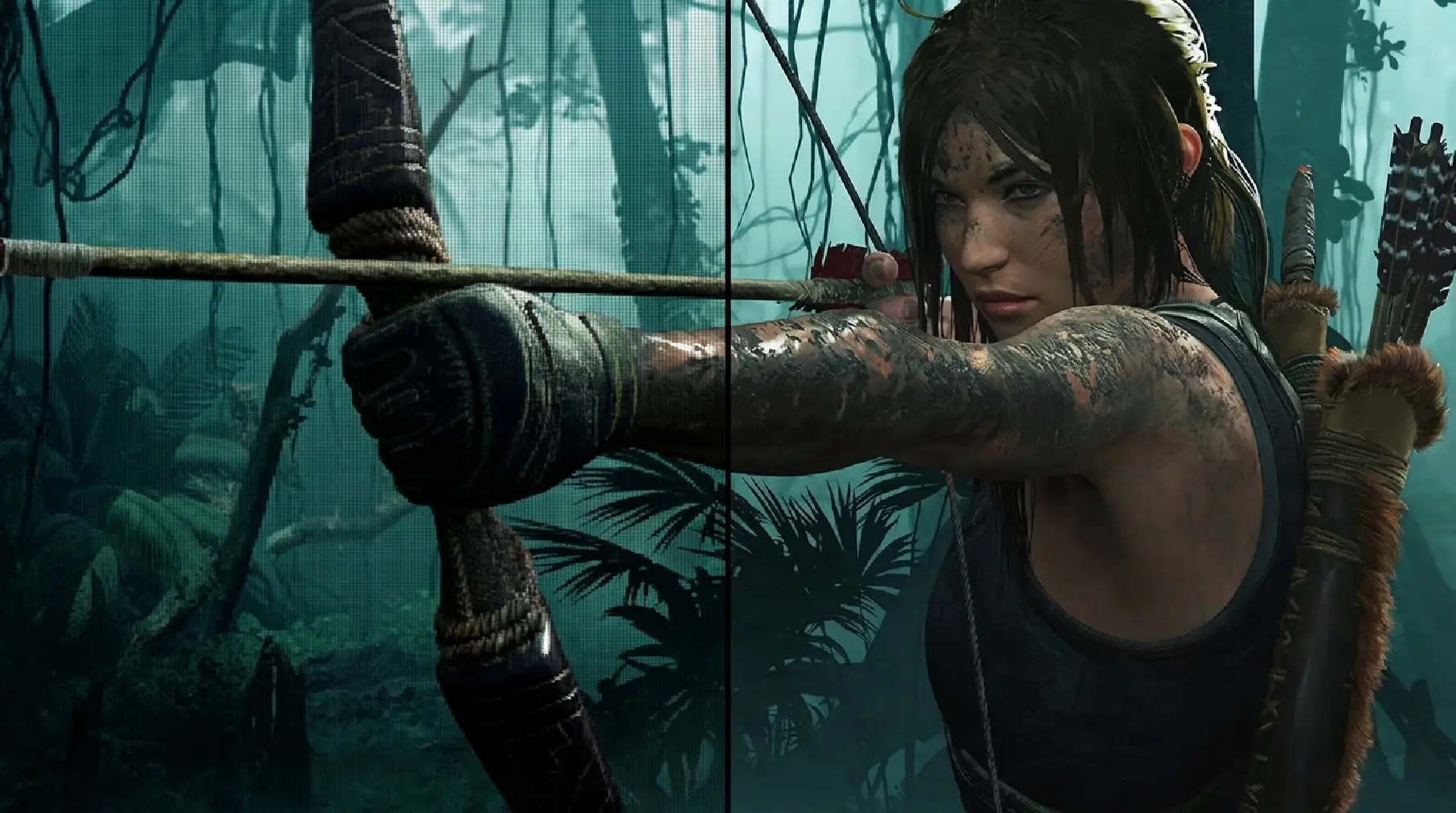
VR headsets — and older glasses-free 3D screens — often show the "screen door effect" (visible pixel gaps) because pixels are stretched across a wide field of view. Owl3D Shift overcomes this limit.

At a typical desk distance, Owl3D Shift delivers ~66 PPD (pixels per degree) for 3D — over 2.5x the angular clarity of the Quest 3. Powered by an ultra-dense 315 PPI panel (nearly 2x the density of a 27" 4K monitor), edges look smooth, and the pixel grid becomes virtually invisible.

Crisp 2D Text.Deep 3D Media.Side by Side.

Read web pages and documents in perfectly sharp, lossless 2D. Right beside them, watch videos and images render in high-clarity 3D. Owl3D finds the parts of the screen worth showing in 3D and converts only those, never the whole screen, so text stays sharp with no mode to switch.

Move Freely.The 3D Sweet Spot Follows You.

Use Owl3D Shift like a regular monitor. As you shift in your chair or move your body, the 3D viewing zone follows your eyes instantly. The system adapts to your natural posture, ensuring you always see perfect 3D, whether you lean in close (45cm) or sit back to relax (100cm).

Retina-class comparison

2.5x Sharper Than the Quest 3.Experience Retina-Class 3D.

VR headsets — and older glasses-free 3D screens — often show the "screen door effect" (visible pixel gaps) because pixels are stretched across a wide field of view. Owl3D Shift overcomes this limit.

At a typical desk distance, Owl3D Shift delivers ~66 PPD (pixels per degree) for 3D — over 2.5x the angular clarity of the Quest 3. Powered by an ultra-dense 315 PPI panel (nearly 2x the density of a 27" 4K monitor), edges look smooth, and the pixel grid becomes virtually invisible.

Crisp 2D Text.Deep 3D Media.Side by Side.

Read web pages and documents in perfectly sharp, lossless 2D. Right beside them, watch videos and images render in high-clarity 3D. Owl3D finds the parts of the screen worth showing in 3D and converts only those, never the whole screen, so text stays sharp with no mode to switch.

Move Freely.The 3D Sweet Spot Follows You.

Use Owl3D Shift like a regular monitor. As you shift in your chair or move your body, the 3D viewing zone follows your eyes instantly. The system adapts to your natural posture, ensuring you always see perfect 3D, whether you lean in close (45cm) or sit back to relax (100cm).

Lifelike 3D — Even in Bright Rooms.

Glasses-free 3D only feels real when color and contrast hold up. Owl3D Shift uses a 600-nit (peak), 1500:1 high-contrast panel with 100% sRGB / 99% Adobe RGB coverage, so depth looks vibrant and solid, not dim or washed out. A custom anti-reflective coating helps reduce glare and reflections, preserving deep blacks and clear depth definition, even in bright rooms.

Each Owl3D Shift Is Individually Calibratedfor Uniform Clarity.

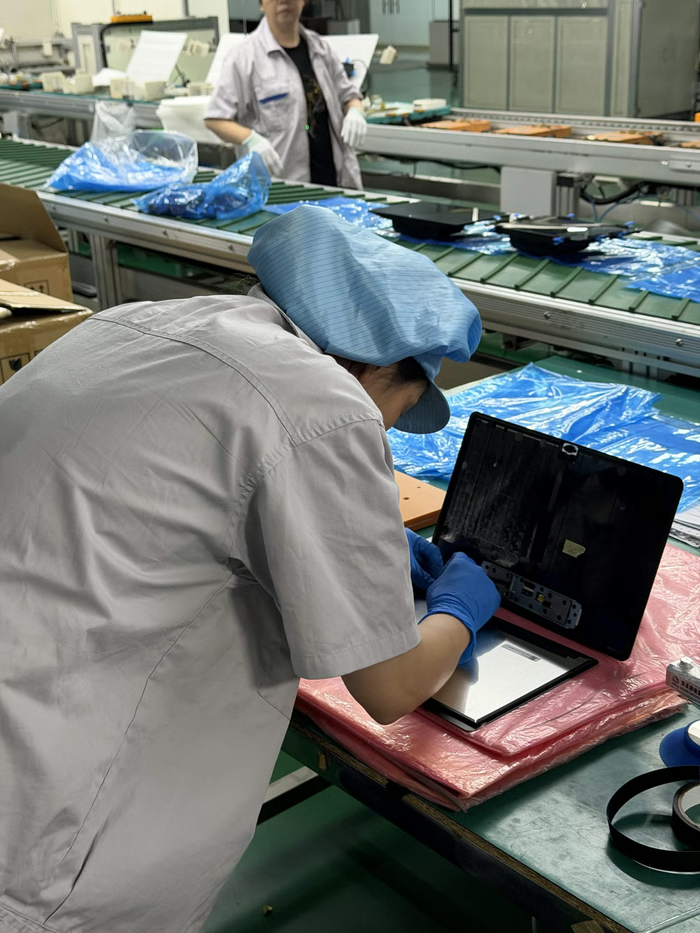
Manufacturing is never 100% perfect. In 3D screens, even microscopic differences can cause 'ghosting', where you see faint double images in certain spots on the screen. That is why we calibrate every single unit.

We scan your Owl3D Shift on the assembly line to map its unique 'light-fingerprint.' Our Owl3D software then uses this profile to align the pixels perfectly for your specific device. The result is uniform, clear 3D across the entire display — minimizing ghosting and maximizing clarity.

Live 3D Monitor: Common Questions.

What is a Live 3D monitor?
A monitor that turns whatever is on its screen into 3D as it plays, so you don't need content made in 3D. The Owl3D app converts 2D to 3D in real time on your computer, and the Shift's lenses and eye tracking show it to you in glasses-free 3D.
Do I need 3D glasses or a headset?
No. A layer of lenses on the 4K panel sends a separate image to each eye, and a camera tracks your eyes so the 3D follows you as you move. You watch with your own eyes, from about 45 to 100 cm away (best at 50 to 70 cm).
What can I watch and play in 3D?
Videos on YouTube and other sites, your own video files, photos, games and app windows: drag the window onto the Shift and it turns into 3D. Text and menus stay sharp in 2D. 3D files you already own (Half-SBS, Top-Bottom and Full-SBS) play in 3D too.
What computer do I need?
On Windows, Live 3D needs an NVIDIA RTX 30, 40 or 50 Series graphics card; AMD graphics cards play the 3D files you already own, but not Live 3D. On a Mac, Apple Silicon: M1 Pro, or any M2, M3 or M4 chip and newer. A MacBook Air runs it more slowly.
Can more than one person watch at once?
The Shift shows 3D to one person at a time. When people take turns, it finds the person who should be seeing it and shows the 3D to them.
Can I use it as a normal monitor?
Yes. Over USB-C or Mini-HDMI it works as an ordinary 4K 2D monitor with most computers. The 3D needs the Owl3D app and a computer that meets the requirements above.

Tech Spec.

Owl3D Shift Live 3D monitor

The Display

Size
14-inch
2D Resolution
4K UHD (3840 × 2160)
3D Resolution
2K (1920 × 2160)
Pixel Density
315 PPI
3D Pixel Per Degree
66 PPD (Retina-Class 3D)
Brightness
600 nits (Peak)
Color Gamut
99% Adobe, 100% sRGB
Contrast Ratio
1500:1
Color Depth
1.07 Billion (10-Bit)
Refresh Rate
60Hz
Panel Viewing Angle
89°

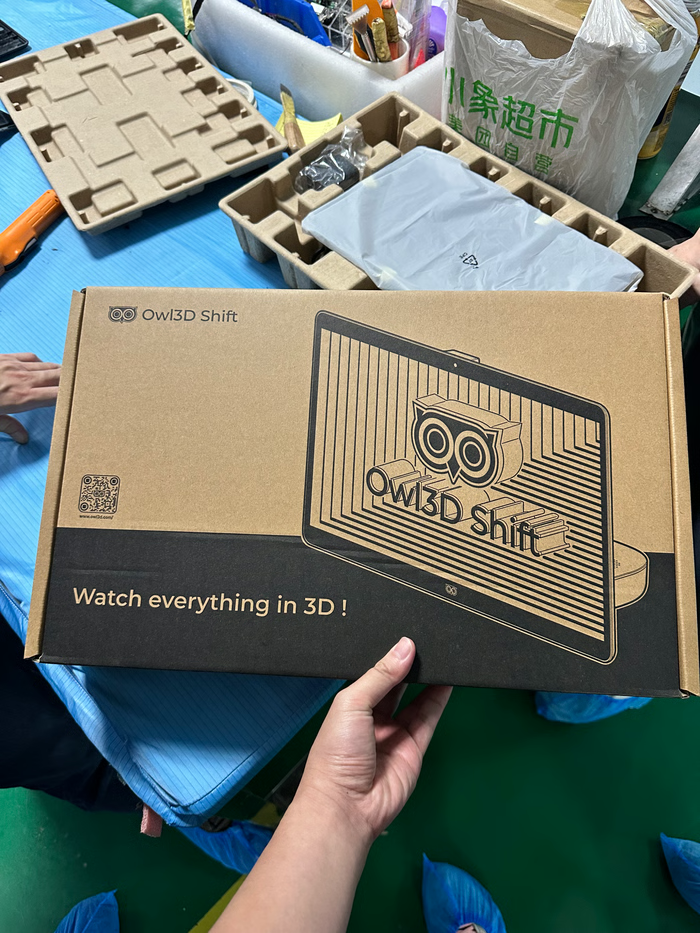
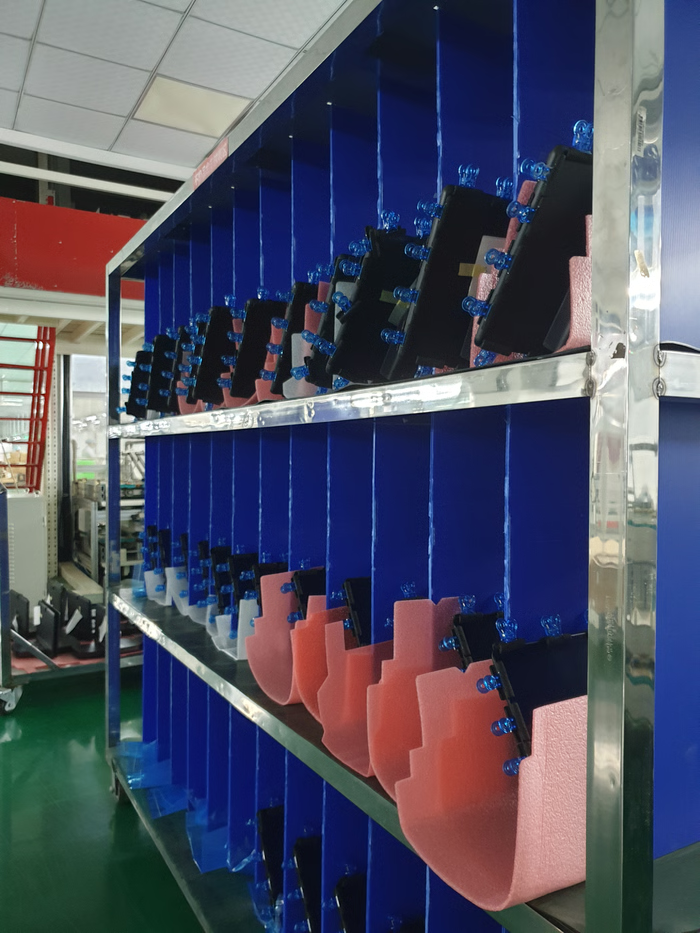
From the Factory Floor.

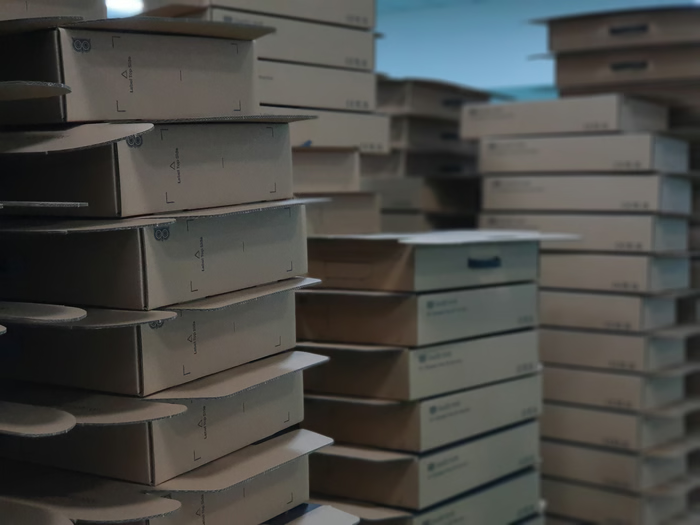
Owl3D Shift has been shipping since August 2026. Every unit is individually assembled, calibrated, and tested before it leaves the factory.

Factory photo 1
Factory photo 2
Factory photo 3
Factory photo 4
Factory photo

Founded by Ex-Apple & Meta Engineers.Built for 3D Lovers.

We are Owl Technologies, a US company originally founded in Seattle. We were founded by former Apple and Meta engineers, veterans who understand what it takes to ship world-class consumer technology.

We started with software. Today, Owl3D is the leading AI solution for 2D-to-3D video conversion, trusted by over 50,000 users and a thriving Discord community of 7,500 enthusiasts.

But after releasing our breakthrough 'Live 3D' feature, we realized a hard truth: our software's potential was being limited by existing hardware.

So we decided to build our own hardware: Owl3D Shift. We envisioned an experience where you could enjoy all your PC content immersively, comfortably, and easily.

To achieve this, we work in Taiwan, directly alongside our supply chain partners in Asia. Owl3D Shift isn't just another gadget; it is a display built by Owl3D for Owl3D. We designed it to unleash the full potential of our AI, creating the 3D experience we — as 3D lovers — have always wanted.

Stay Updated on Exciting News!

© 2026 Owl3D. All rights reserved.